Getting started
Bring a WhatsApp or Instagram Deal into SHYLDA
Found an item through a message or a social post? Bring the agreement into one Deal before fulfillment begins.
Start with what you are agreeing to
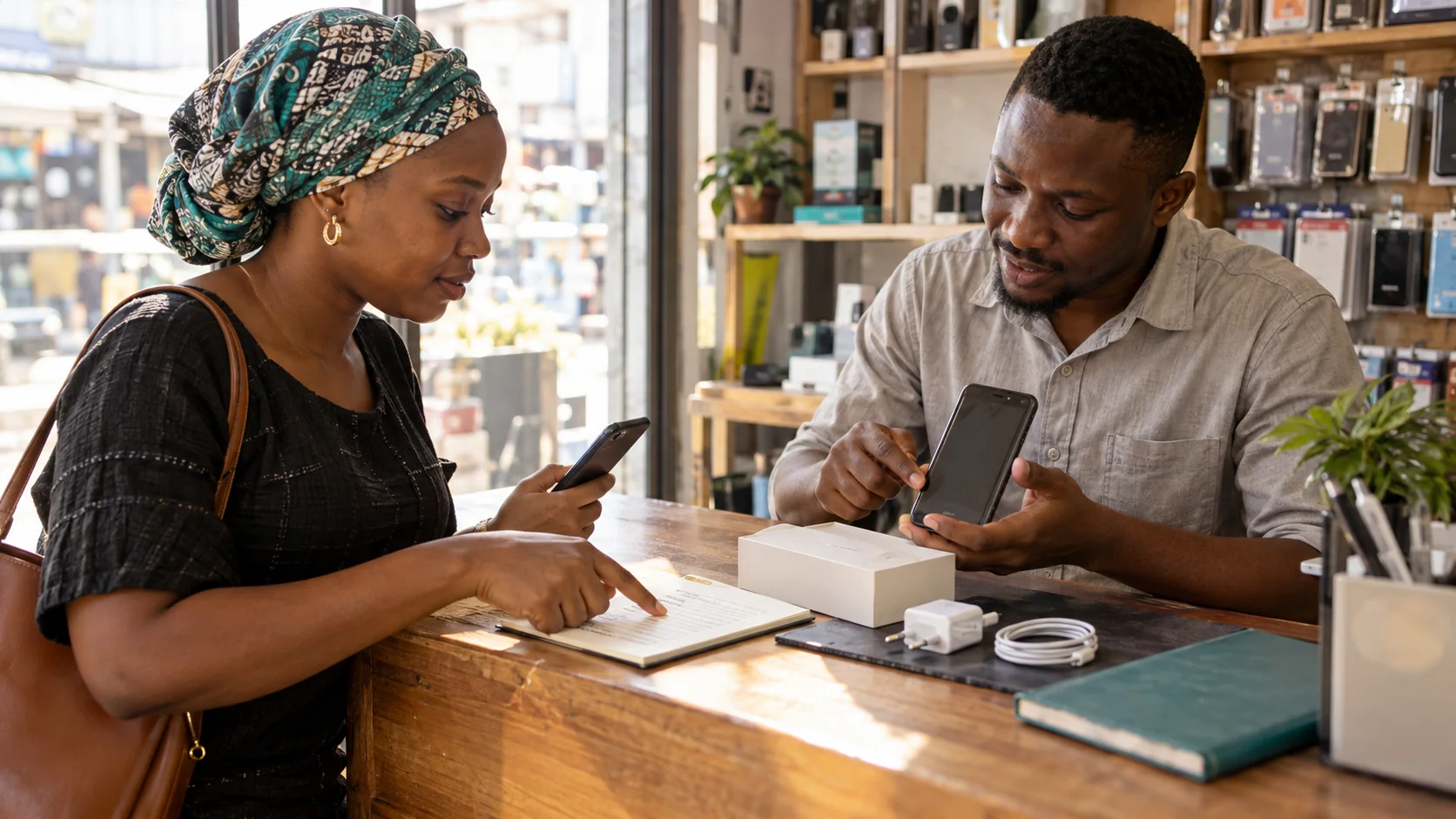
A Deal can begin outside SHYLDA. You might find a phone on Instagram, discuss furniture on WhatsApp, or agree to work with someone you already know. The next step is to record the agreement before anyone sends the item or starts the work.
A conversation can leave important details scattered across messages. A Deal Draft brings the item or service, agreed price, expectations, and timing together so both sides can review the same information.
- Describe the item, quantity, condition, and what is included.
- Record the price and any separately agreed delivery fee.
- Agree how and when the item will arrive, or when the work is due.
- For services, record the deliverables, revisions, and completion conditions.
Invite the other person to review
Use Start Deal to prepare a Deal Draft and share its invite link with the other person. An invitation asks them to review the Deal; it does not activate Shyld protection.
The other person must review and accept the terms. If the price or expectations are different, agree the final details before continuing. Do not treat a reply in a separate conversation as acceptance of a different Deal.
For example, a used phone described as “clean” still needs clearer terms. Record the storage size, battery condition, known damage, accessories, price, and delivery arrangements. Both sides can then check the same description instead of relying on what “clean” meant in a message.
The Buyer activates Shyld protection
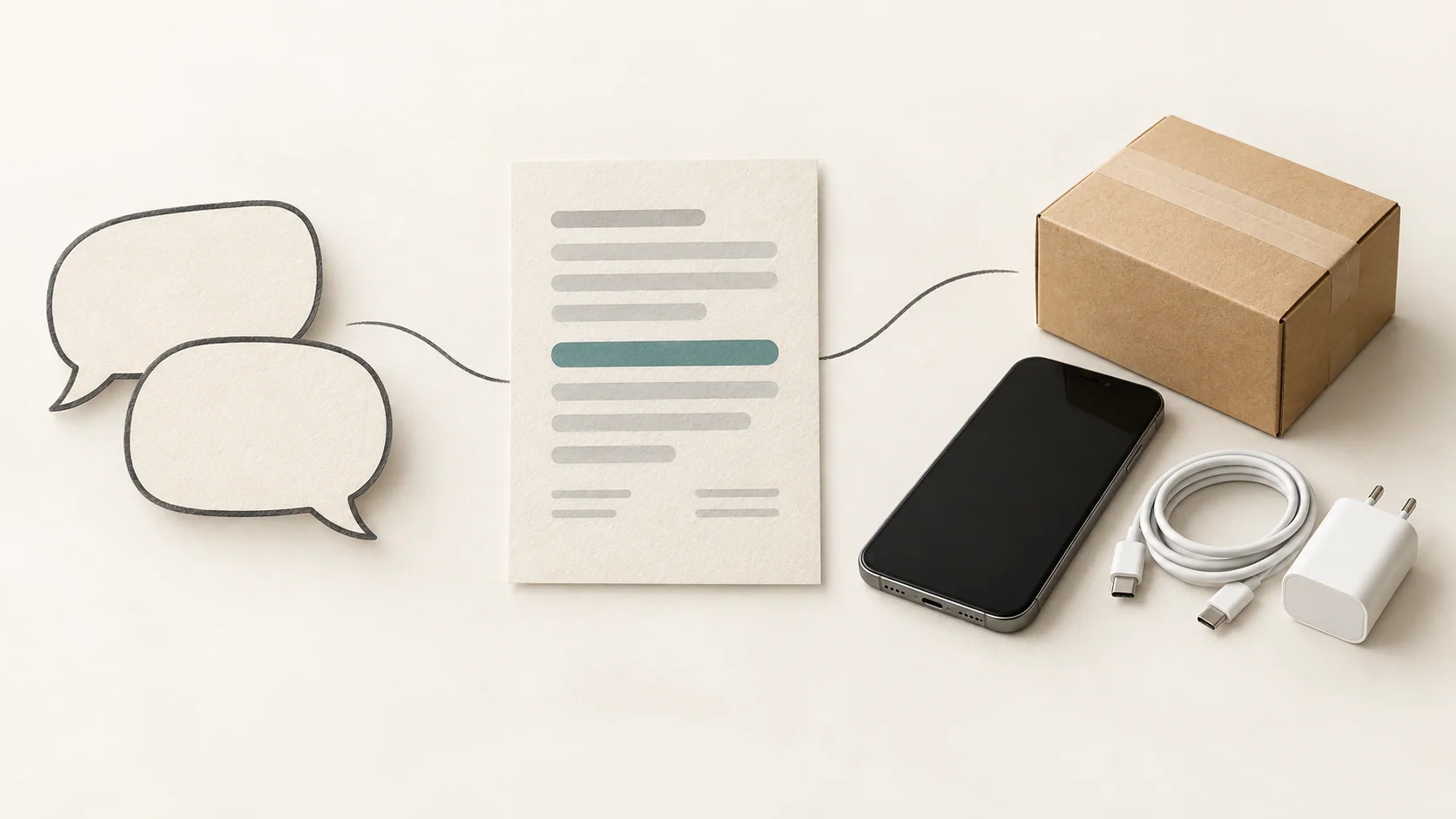
After the final terms are accepted, the Buyer reviews the Shyld Agreement and selects Secure with Shyld. The review includes the amount, applicable fees, delivery or completion rules, and what happens if a problem is raised.
The Seller should check that the Deal is Shylded before fulfilling it. A shared link, an accepted draft, or a payment screenshot does not replace the protected Deal state shown in SHYLDA.
Keep the next steps with the Deal
Use Discuss in Deal for the ongoing conversation, and add the requested delivery or work evidence there. This keeps the agreement and what happened afterward together if either side needs to raise a Dispute.
Shyld protection applies to the Deal activated inside SHYLDA. A separate direct transfer or an arrangement completed outside that Deal does not gain protection because the two people also have SHYLDA accounts.
SHYLDA is preparing for public access. You can join early access now and use these guides to understand the Deal flow before getting started.